BIM and IFC bridge
Attach BIM-ready identifiers, classifications, and IFC export paths after the 2D model is stable.
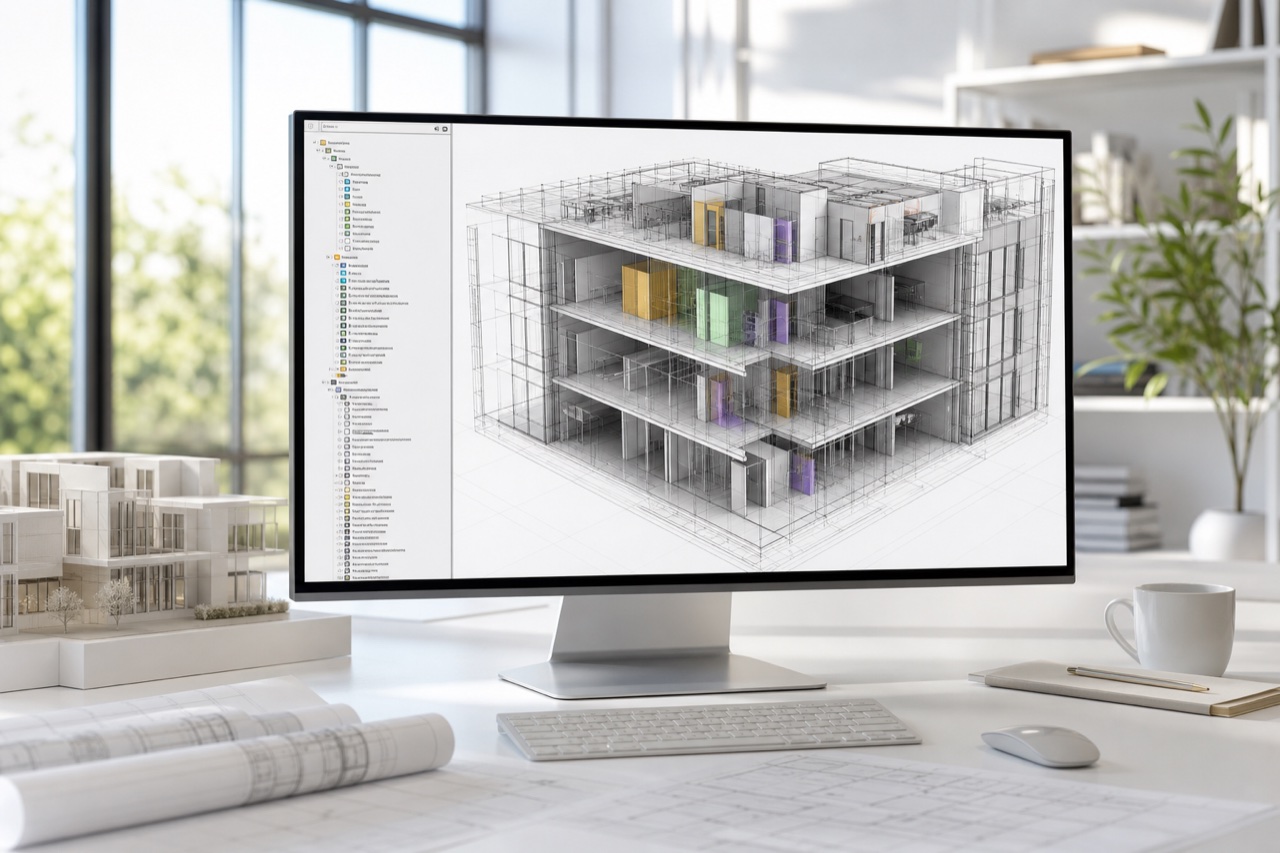
Reserved in the platform model for future expansion.
Why it matters
Keep the 2D model clean first, then attach IDs, classifications, and export paths that can support BIM and IFC workflows later.
Stored with the shared LogicSpace project record for a consistent workflow.
Stored with the shared LogicSpace project record for a consistent workflow.
Stored with the shared LogicSpace project record for a consistent workflow.
Workflow
Keep project data aligned across capture, web review, publishing, and export.
Keep project data aligned across capture, web review, publishing, and export.
Keep project data aligned across capture, web review, publishing, and export.
Best fit
Deliverables
Ready to test this workflow?
Open the workspace when you are ready to test the current LogicSpace workflow.