Capture hardware
A future guide for iPhone, LiDAR, tripod, and Insta360 workflows without making hardware a required dependency.
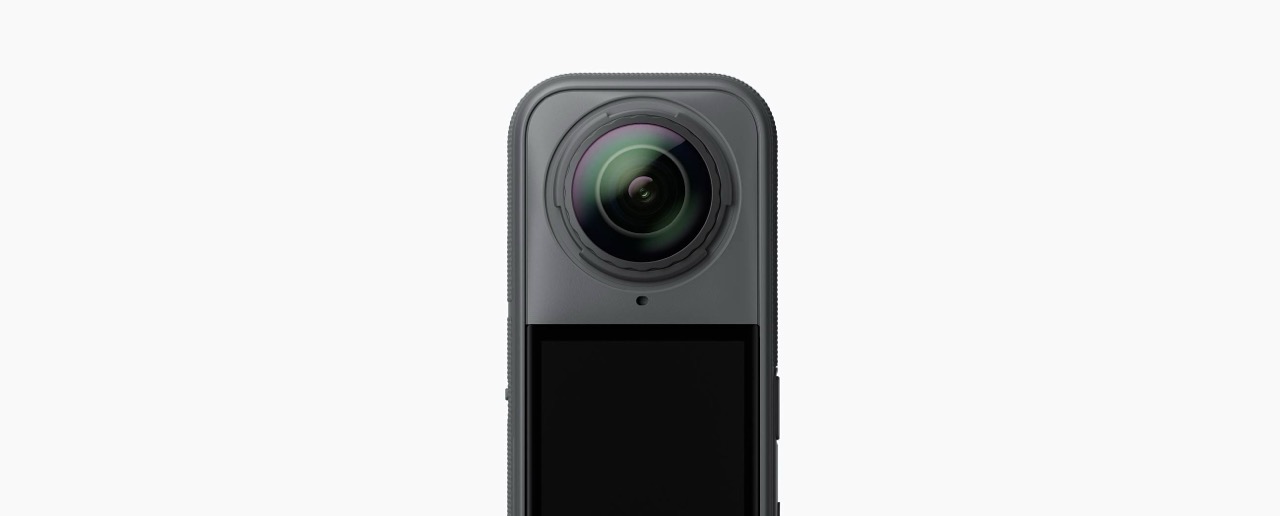
Reserved in the platform model for future expansion.
Why it matters
Document the recommended capture setup for iPhone-first jobs, optional 360 cameras, tripods, and field quality checks without forcing one hardware stack.
Stored with the shared LogicSpace project record for a consistent workflow.
Stored with the shared LogicSpace project record for a consistent workflow.
Stored with the shared LogicSpace project record for a consistent workflow.
Workflow
Keep project data aligned across capture, web review, publishing, and export.
Keep project data aligned across capture, web review, publishing, and export.
Keep project data aligned across capture, web review, publishing, and export.
Best fit
Deliverables
Ready to test this workflow?
Open the workspace when you are ready to test the current LogicSpace workflow.