Use LogicSpace from capture to published tour.
Official guides for the app and web workspace. Start in the field, clean up the plan, add 360 context, publish, and run the final checks before sharing.
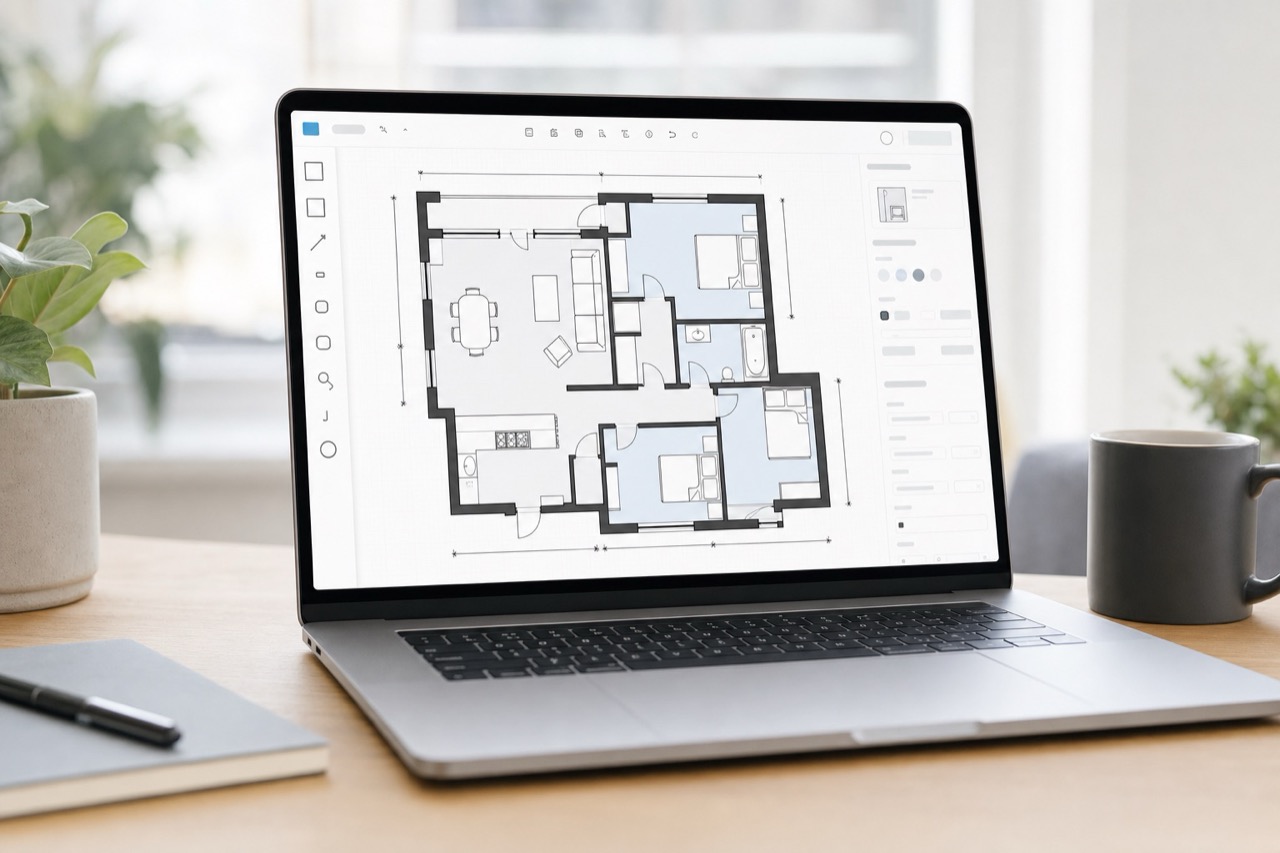
Recommended workflow
Follow this order when running a real job. It keeps the app, web workspace, floor plan, 360 tour, and publishing state aligned.
Create or open the project
Use one project for one property or job. Sign in before publishing is needed, but local draft capture can start first.
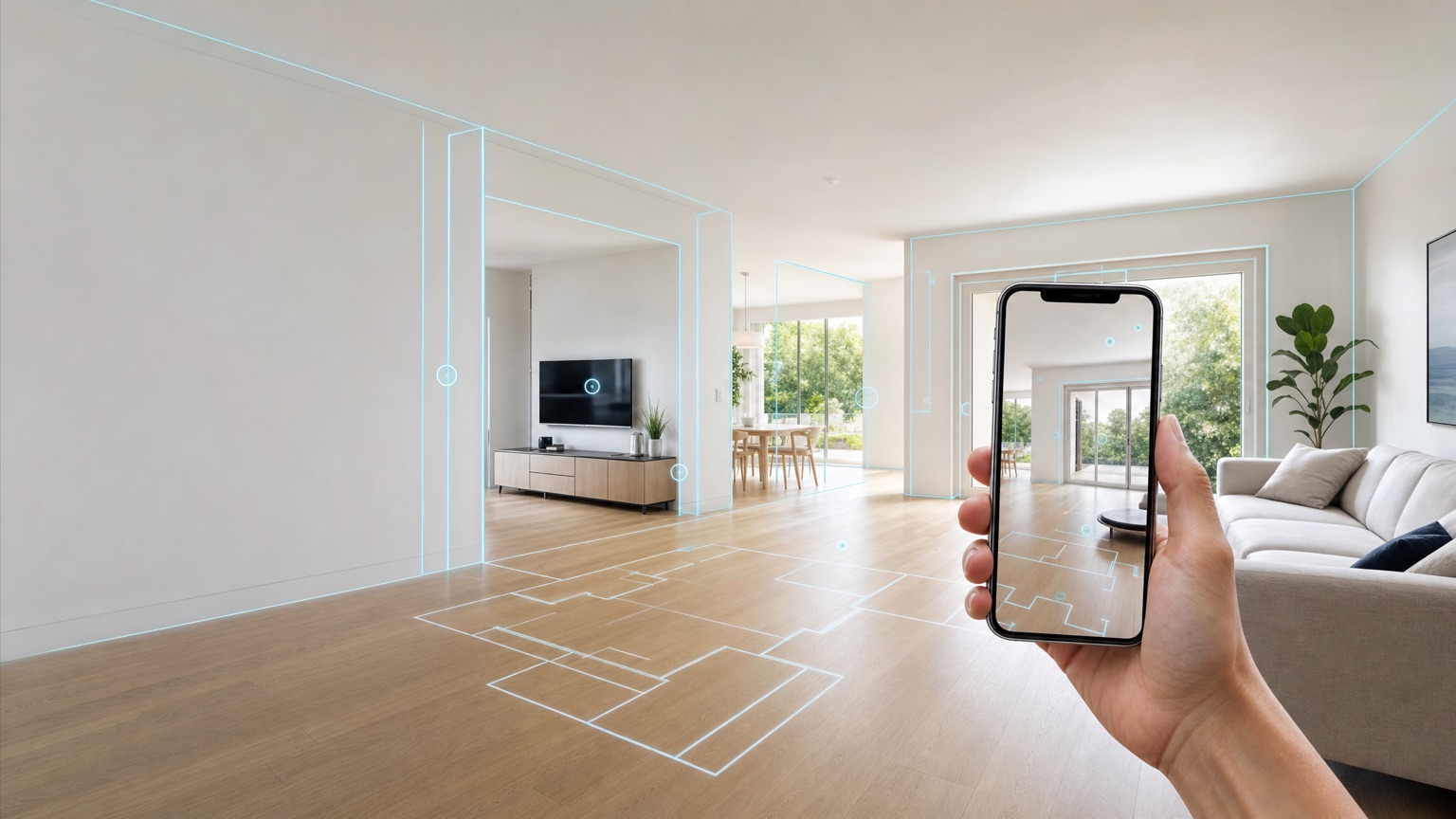
Scan the floor plan
Scan walls, doors, windows, corners, and stairs slowly, then wait for the local floor plan result before moving to 360 work.
Fix obvious issues on site
Use app correction for missing walls, stair placement, and size calibration that must be solved before leaving the site.
Capture 360 points
Connect the camera, place each pano point on the map, and use manual placement if automatic location is not ready.
Review before leaving
Check every floor has a usable plan, important rooms have pano points, and failed points are retaken or marked.
Publish and sync
Publish from the signed-in app when the result is ready. Use Wi-Fi for larger projects and confirm the web workspace can open it.
Finish in the web workspace
Use the desktop editor for precise wall, opening, room, label, dimension, tour, and sharing cleanup.
Share or release only after checks
Before sending to a customer or tester, run localization, project state, tour visibility, entitlement, and build checks.
App guides
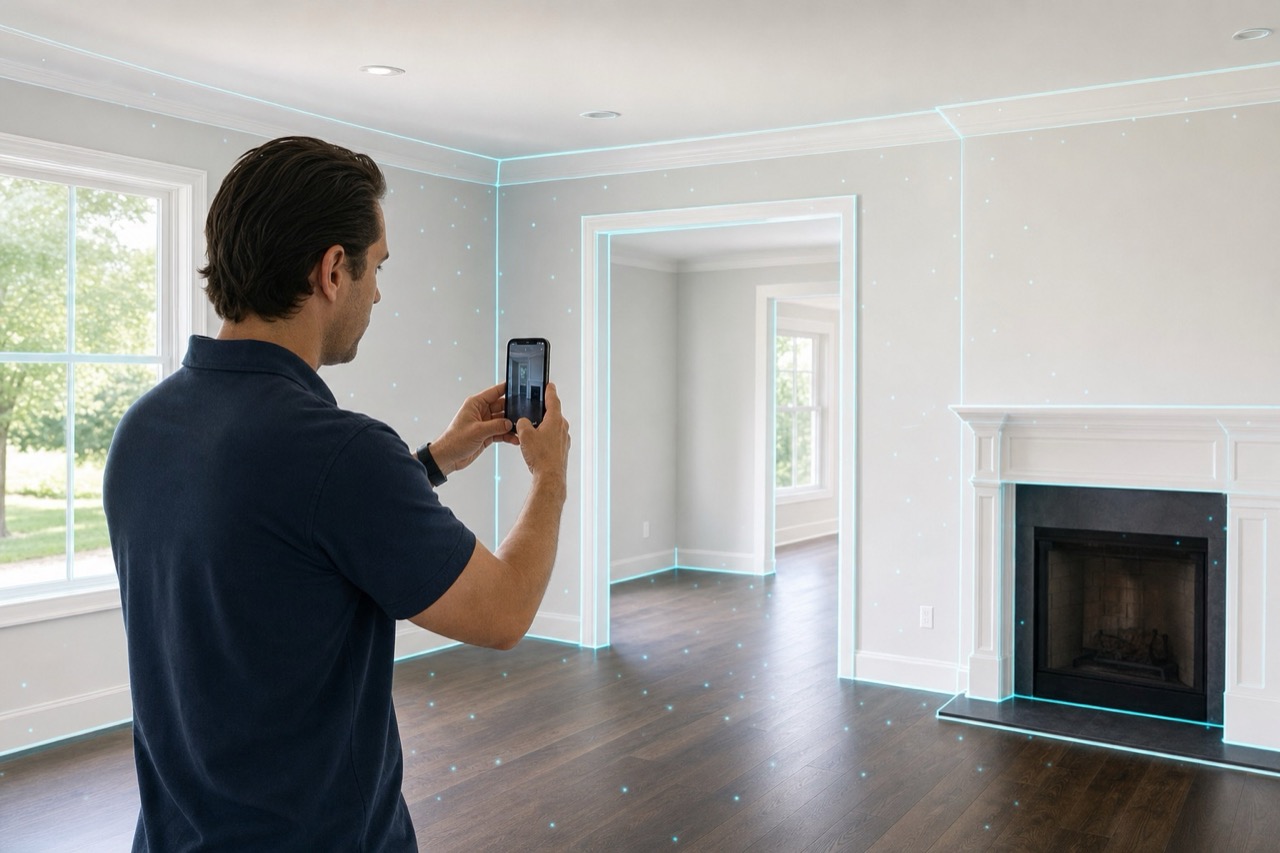
Projects, account, and home screen
Use the app home screen to create projects, check account status, open the camera panel, and return to active field work.
iPhone floorplan capture
Scan rooms with iPhone, process the local geometry, and create the first editable floor plan for the project.
App floorplan correction
Make field corrections on the phone when a wall, stair, room face, or dimension needs to be fixed before publishing.
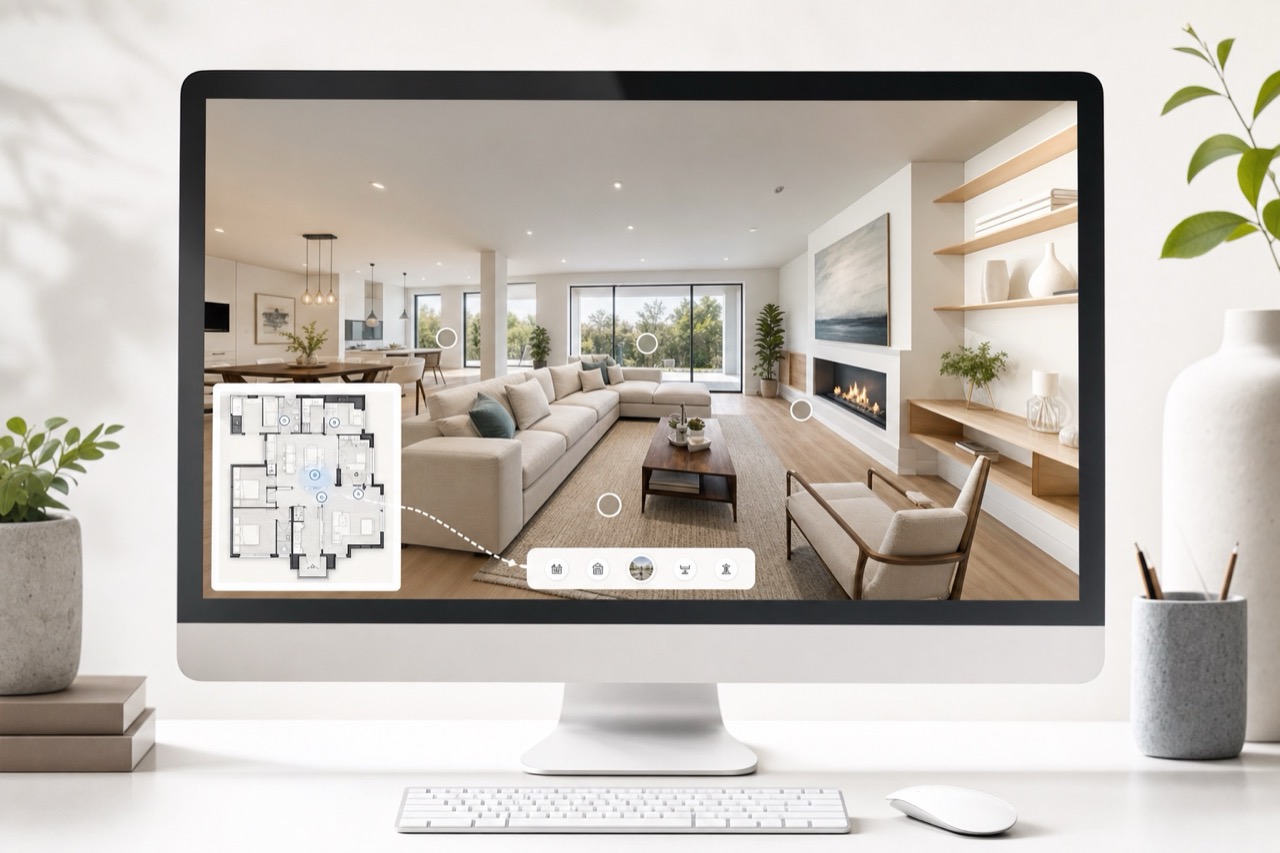
360 camera capture
Connect a 360 camera, place pano points on the floor plan, capture each point, and keep every image tied to the same map.
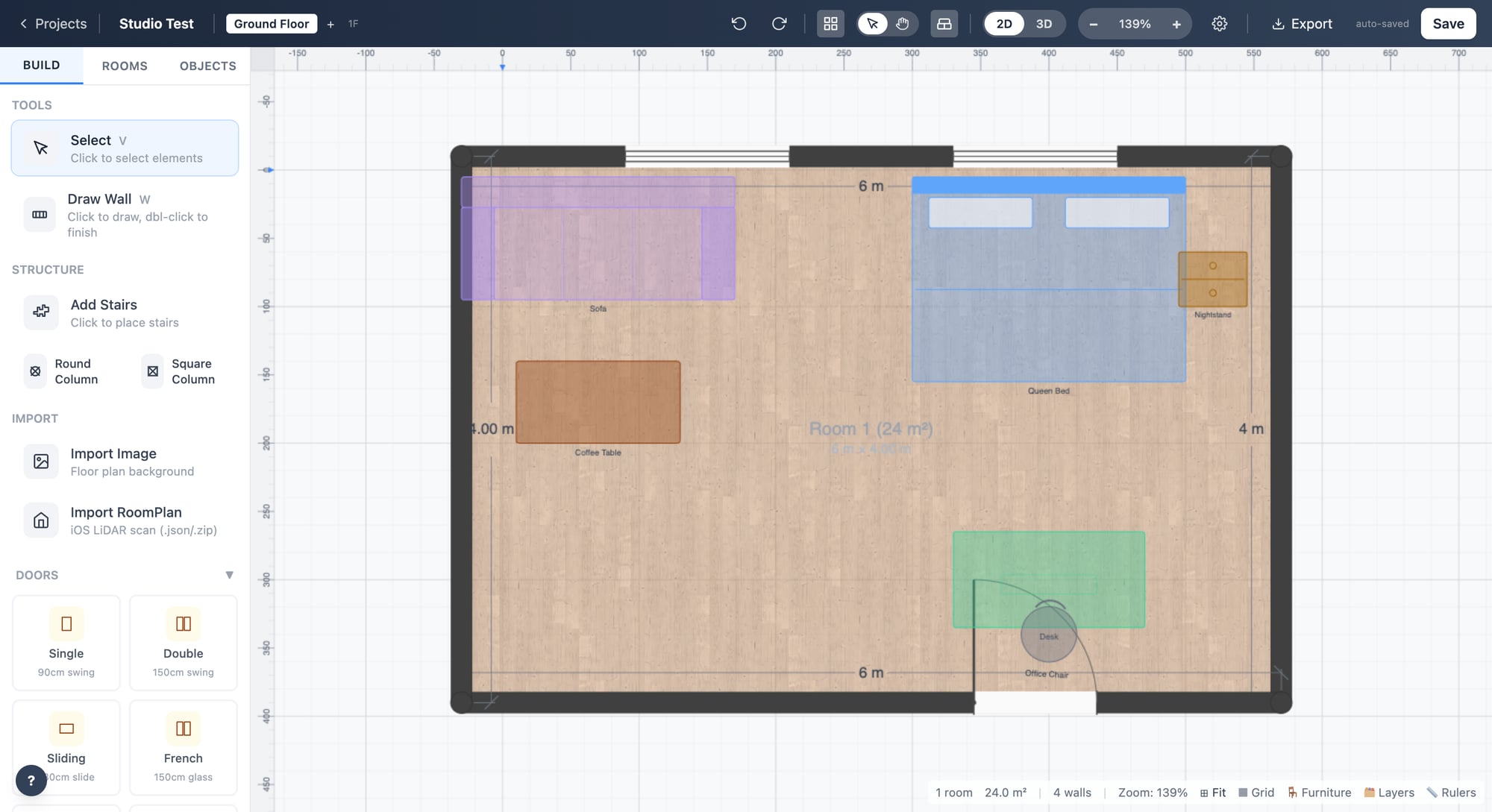
Results, publishing, and sync
Review the finished capture, publish the shared project state, and pull server updates back into the app when needed.
Subscription and release checks
Load StoreKit products, sync account entitlements, and complete the TestFlight checks before distributing the app.
Web guides
Web workspace projects
Use the web workspace to open published projects, continue editing, and keep the shared project record organized.
Web floorplan editor
Use the desktop editor for precise wall, opening, room, dimension, and presentation cleanup after field capture.
Web 360 tour and sharing
Review pano points, floor-map context, navigation links, and public sharing from the same project state.
Operations guides
Localization workflow
Maintain app and web copy in one four-language catalog so new content cannot ship in only one language.
Release checklist
Run the final app, web, localization, sharing, and entitlement checks before a build or site goes out.