Back to guides 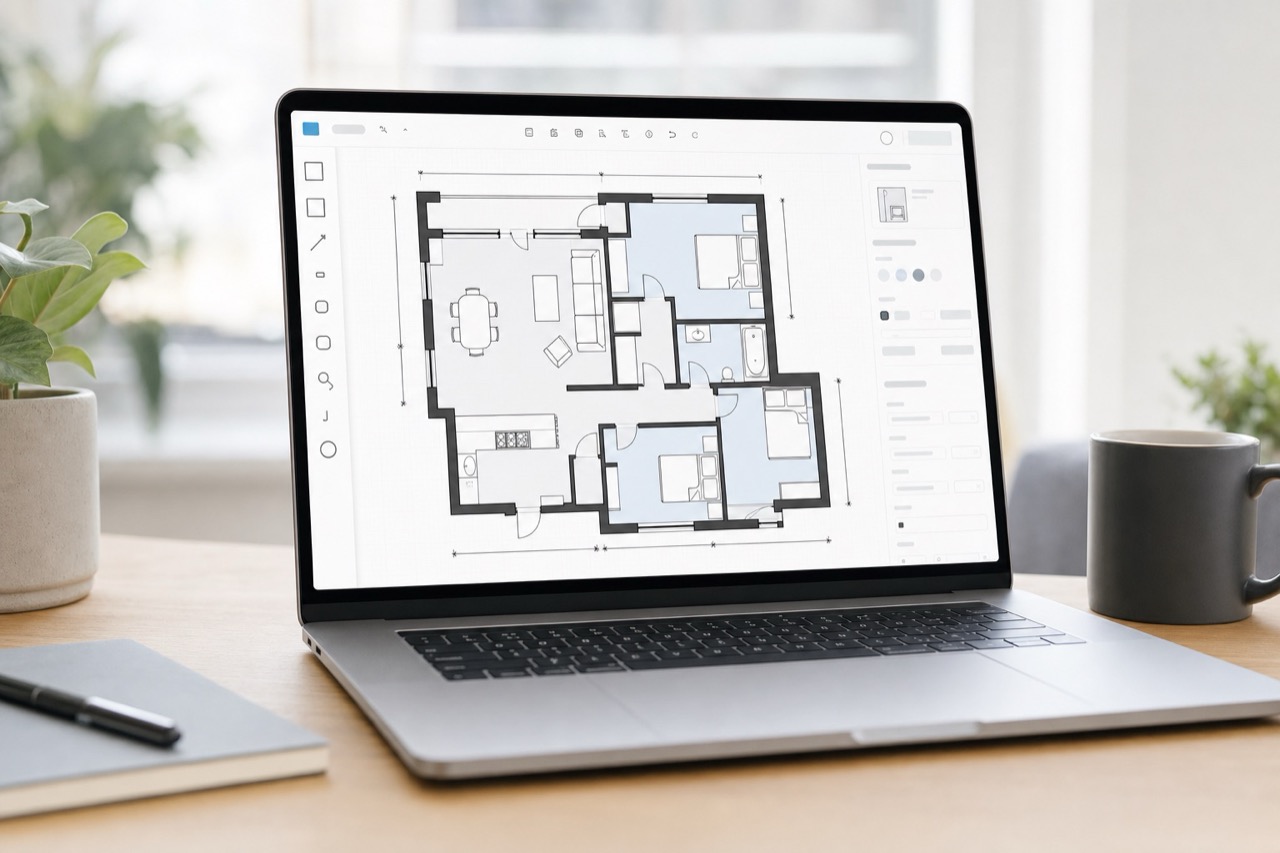
App guides
App floorplan correction
Make field corrections on the phone when a wall, stair, room face, or dimension needs to be fixed before publishing.
View floor plansSteps
1
Choose the correction tool
Use select, wall, stairs, or dimension tools based on the problem. Keep edits small and focused while still on site.
2
Adjust and review
Move endpoints, place stairs, calibrate width or length, and watch the size summary so the plan remains aligned.
3
Save only when stable
Use undo before saving if an edit is wrong. Saved corrections become part of the project state used by web and publishing.
Checks
Undo is available before saving.
360 points stay aligned after correction.
Saved corrections appear in the result preview.
Troubleshooting
A correction made things worse
Undo before saving. If already saved, restore the previous correction or regenerate from raw scan data.
Points shifted after resizing
Check whether width, length, or only one boundary was adjusted, then verify pano point placement on the map.