Back to guides 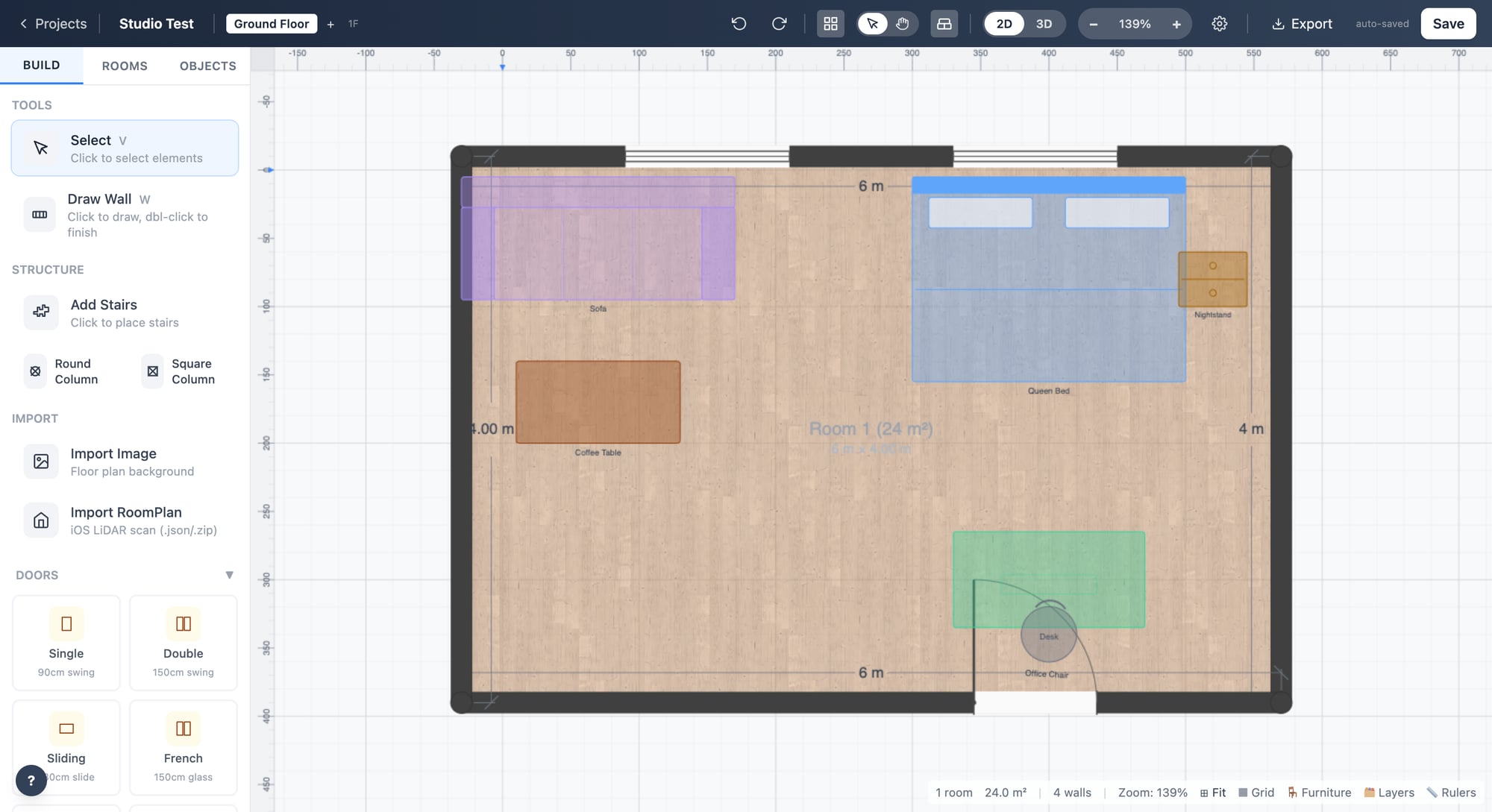
Web guides
Web workspace projects
Use the web workspace to open published projects, continue editing, and keep the shared project record organized.
Open workspaceSteps
1
Sign in and open workspace
Use the same account that published the app project. The workspace shows private projects only for the signed-in user.
2
Open the right project
Choose the project that matches the property or job. Open the editor for plan work or the tour route for review.
3
Keep project state shared
Save web changes into the shared project state so app, editor, and tour pages read the same record.
Checks
Signed-out users cannot open private projects.
Project cards show status and update context.
Opening a project uses the shared published state.
Troubleshooting
Project list is empty
Confirm the account, environment, and whether the app actually published the project.
Save fails
Check the session, backend URL, and whether the project API can write the current state.