iPhone capture app
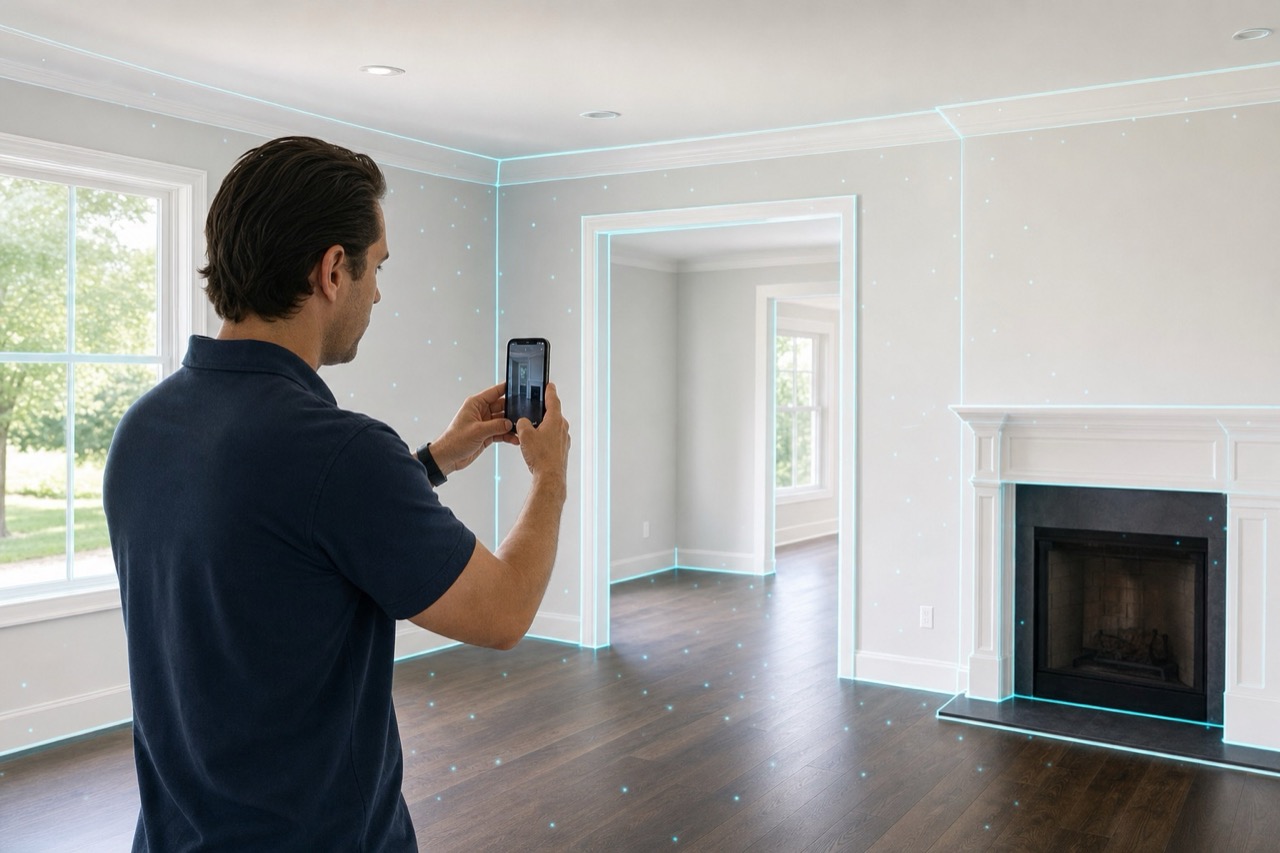
The entry point for scanning, standardizing geometry, placing 360 points, and publishing finished project data.
Ready for the current LogicSpace workflow.
Why it matters
The iPhone app is the capture front end: scan the room, normalize the geometry, add useful location metadata, and publish finished project data to LogicSpace.
Stored with the shared LogicSpace project record for a consistent workflow.
Stored with the shared LogicSpace project record for a consistent workflow.
Stored with the shared LogicSpace project record for a consistent workflow.
Workflow
Keep project data aligned across capture, web review, publishing, and export.
Keep project data aligned across capture, web review, publishing, and export.
Keep project data aligned across capture, web review, publishing, and export.
Best fit
Deliverables
Ready to test this workflow?
Open the workspace when you are ready to test the current LogicSpace workflow.