CAD deliverables
Clean DXF/CAD-style plan exports from the same standardized project state used by the web editor.
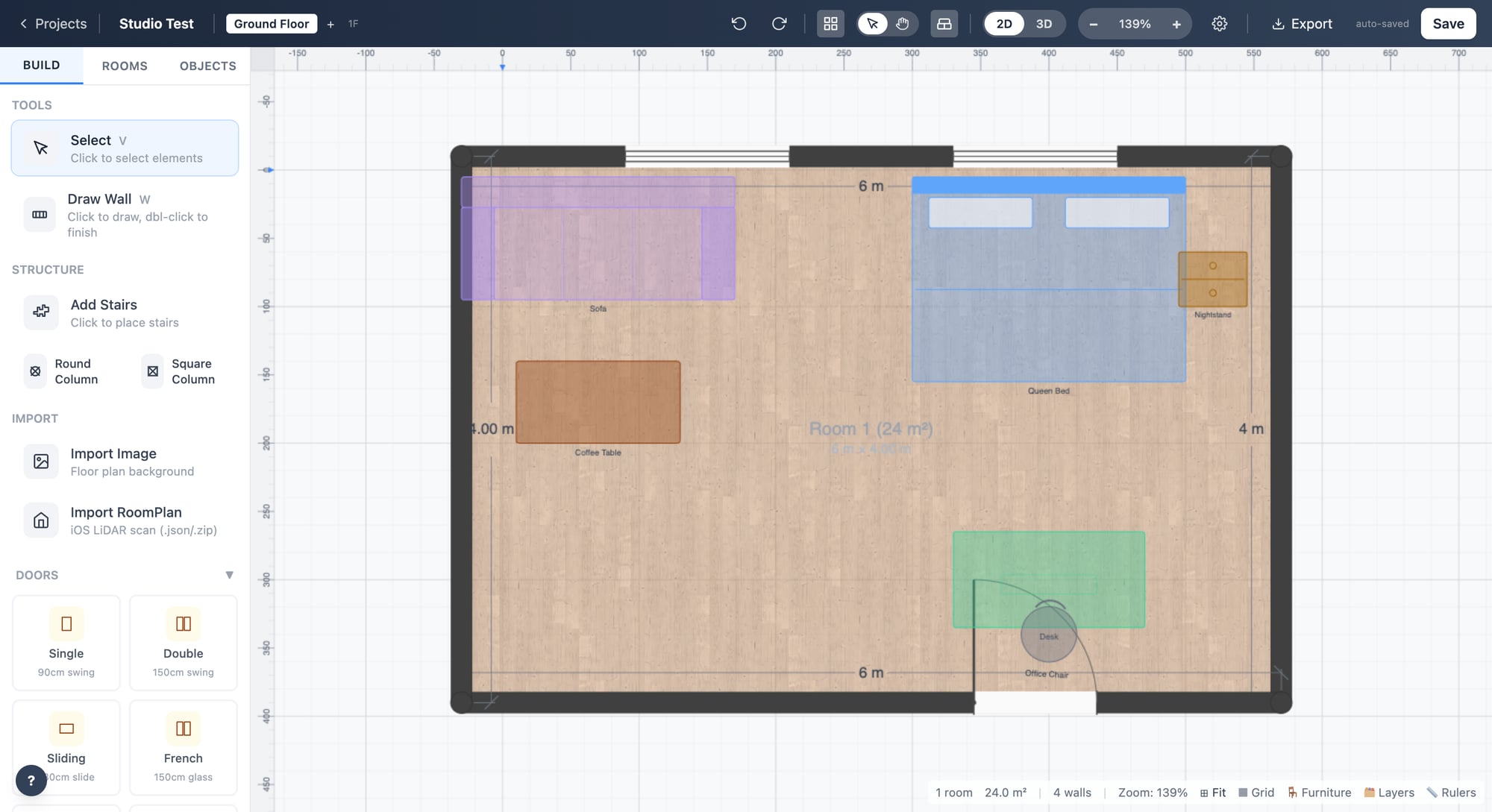
Planned in the product path after the core capture and editing flow is stable.
Why it matters
Export clean CAD-style files from the same shared project state, so downstream drafting and documentation do not depend on a separate redraw.
Part of the cad deliverables workflow and stored against the shared LogicSpace project record.
Part of the cad deliverables workflow and stored against the shared LogicSpace project record.
Part of the cad deliverables workflow and stored against the shared LogicSpace project record.
Workflow
Keep the project data aligned between capture, web review, publishing, and future exports.
Keep the project data aligned between capture, web review, publishing, and future exports.
Keep the project data aligned between capture, web review, publishing, and future exports.
Best fit
Deliverables
Ready to test this workflow?
Open the workspace when you are ready to test the current LogicSpace workflow.